
Bookings
How do I book a court?
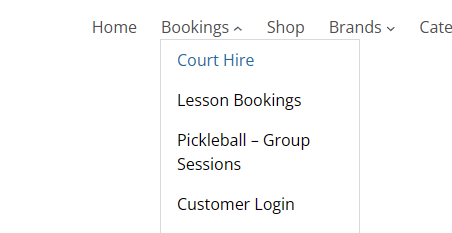
- Please visit: https://titansportsacademy.com.au/court-hire/
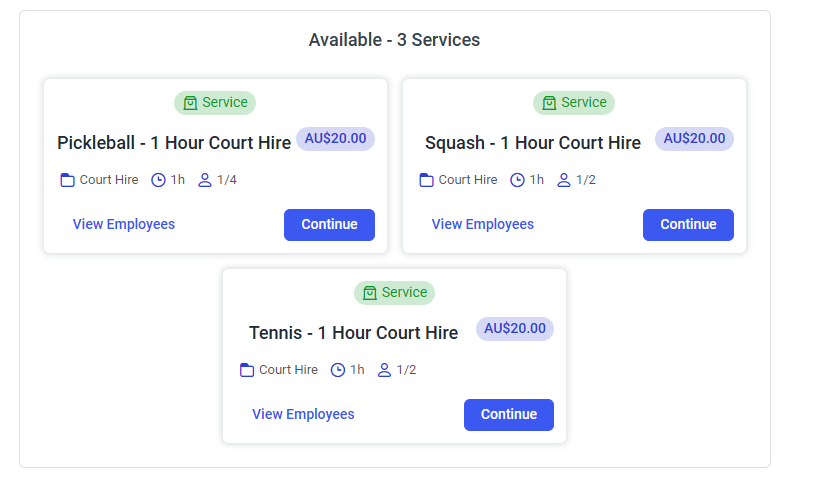
- Select ‘Pickleball’, ‘Squash’ or ‘Tennis’ from the court hire services option by clicking ‘continue’ on your option
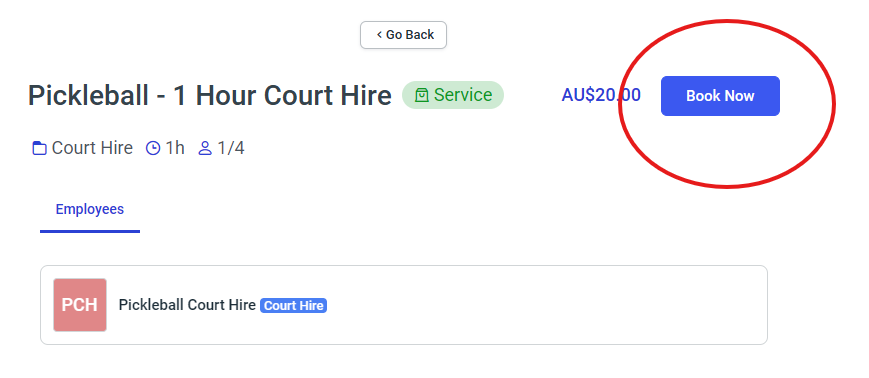
- Click ‘Book Now’
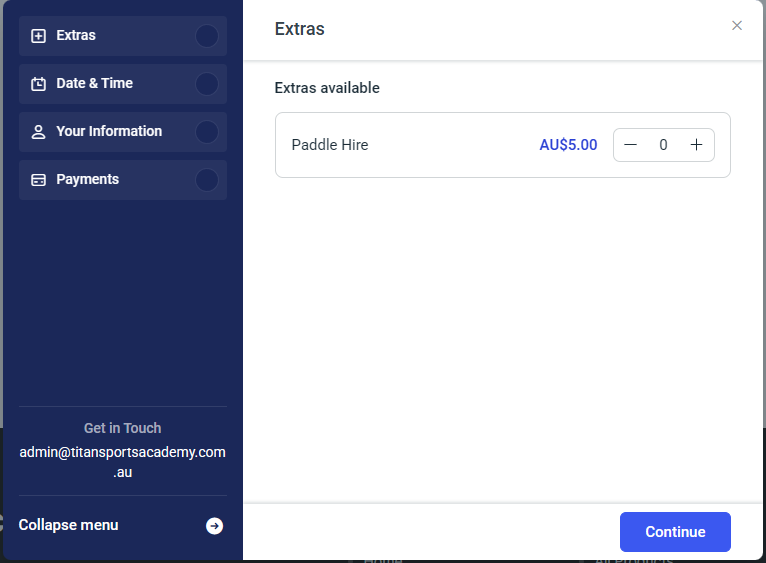
- Add paddle/racquet hire if needed
- Select your preferred day and time
- Your information should automatically fill – if it does not, please create or sign in to your account first
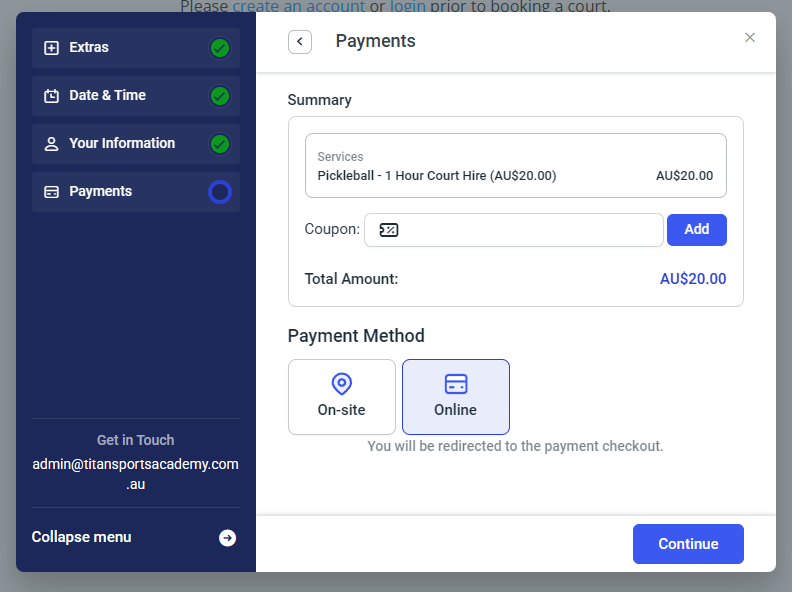
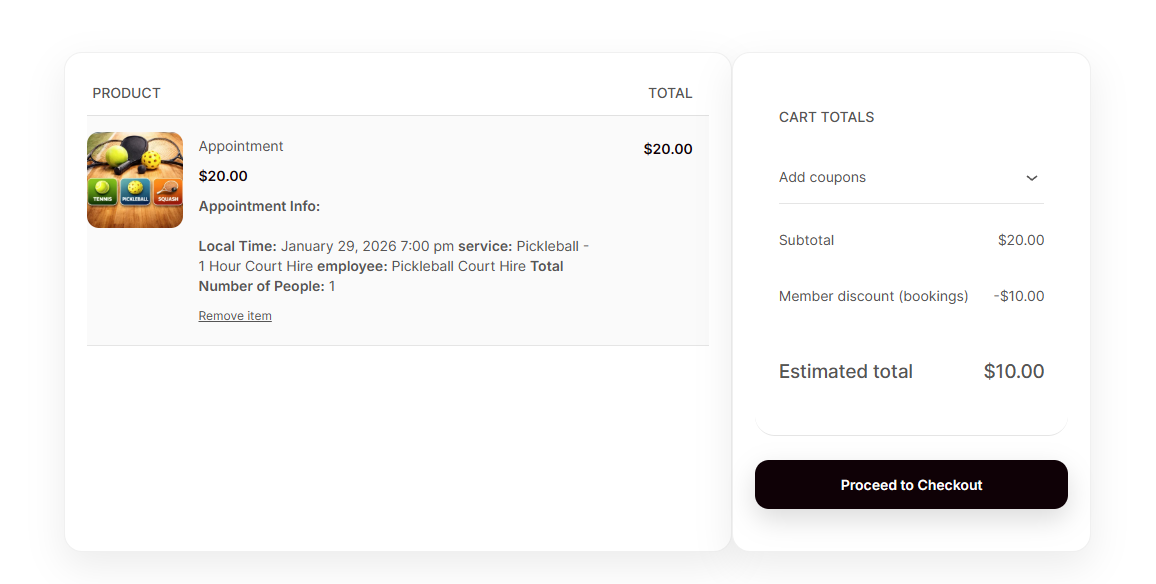
- Select ‘Online’ in payments and you will be redirected to the payment screen (membership discounts will be applied here)
- Once your payment has been processed, you will receive court access details via your nominated email.
How do I cancel my bookings?
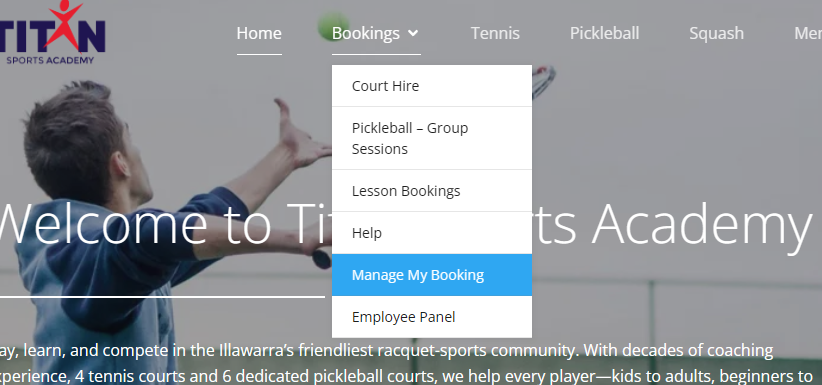
- Please visit: Manage My Booking
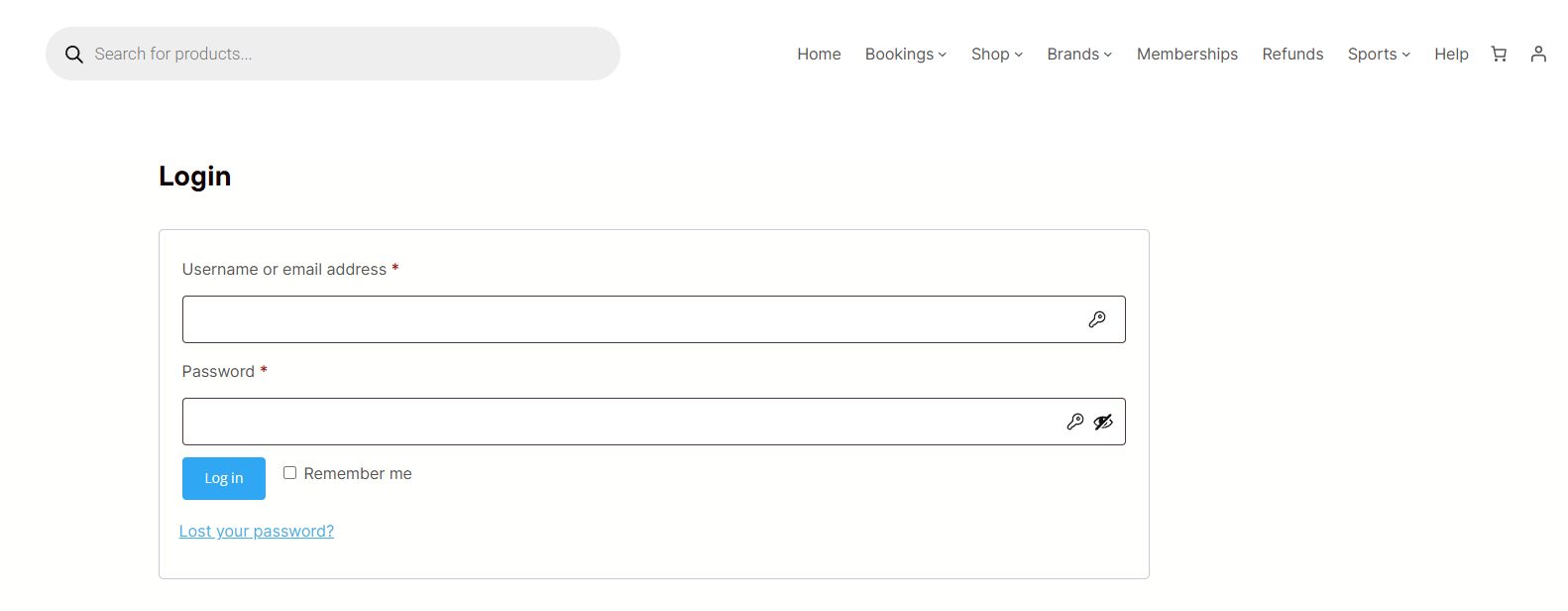
- Ensure you’ve logged in through the login page
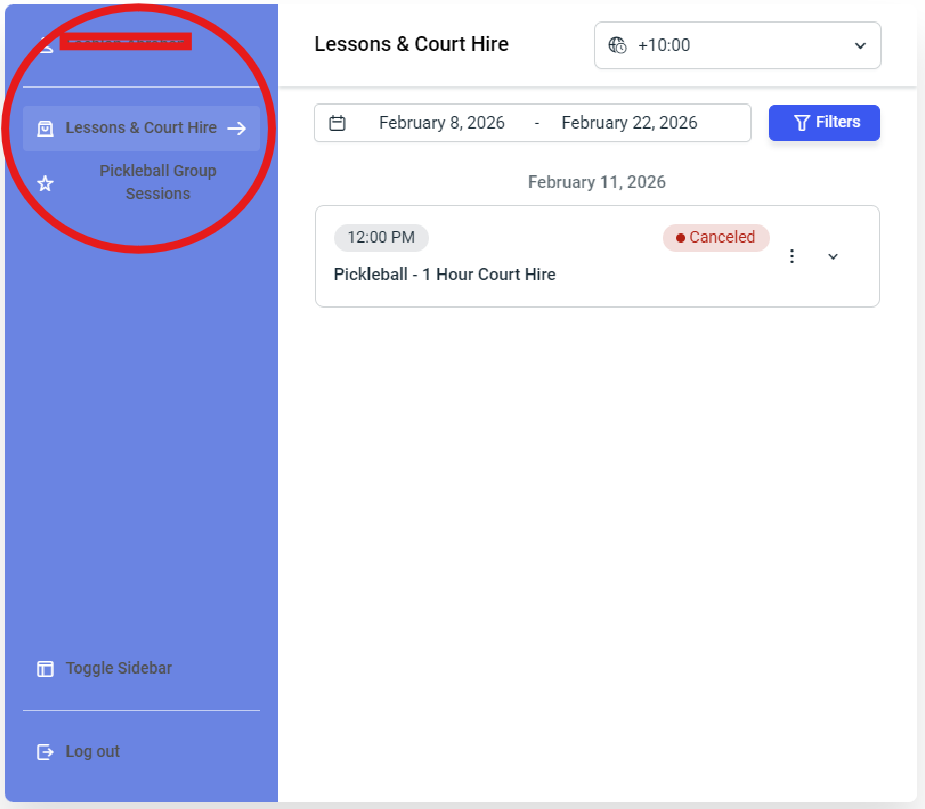
- Select “Lessons & Court Hire” to cancel lessons or court hire
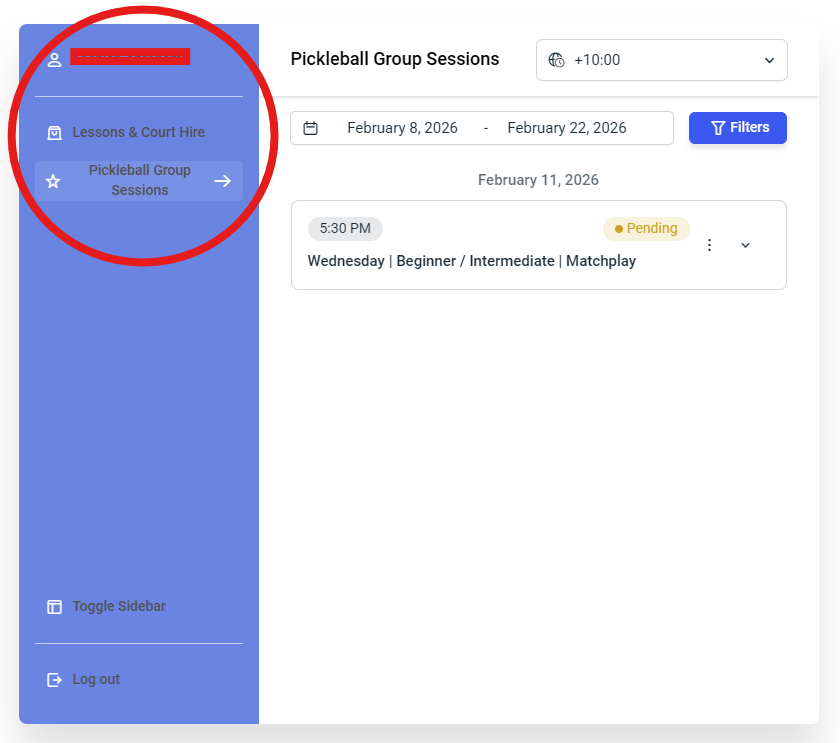
- Select “Pickleball Group Sessions” to cancel pickleball group sessions.
- Bookings must be cancelled 2 hours prior to the event start time.
- If you cannot see a booking you’ve made:
- Confirm you’re in the right sidebar selection “Lessons & Court Hire” or “Pickleball Group Sessions”
- Ensure you’ve created an account and logged in with the same account you used to make a booking
- We encourage you to create an account and log in prior to making any bookings.
How do I create an account?
- Please visit: https://titansportsacademy.com.au/my-account/
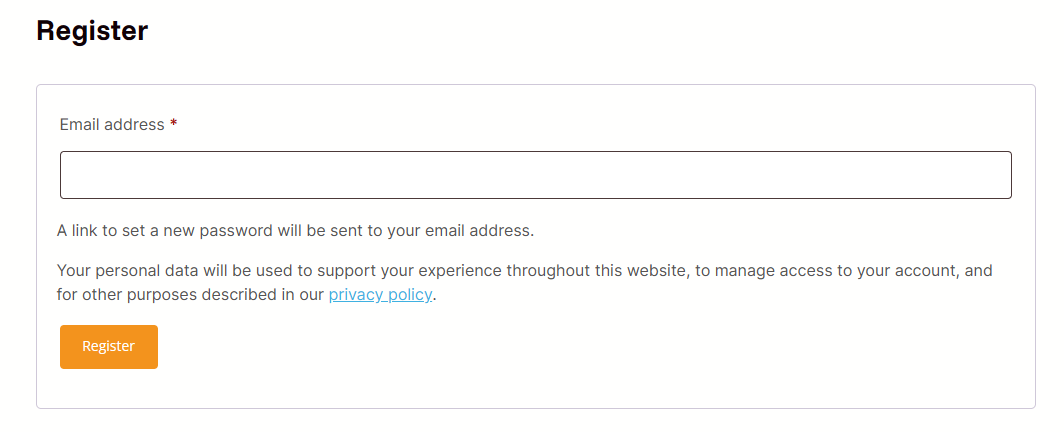
- Scroll down to the Register section, enter your email and click ‘Register’
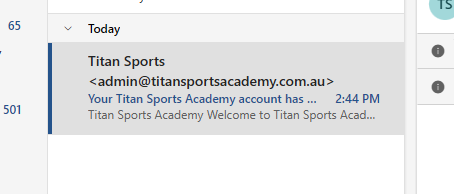
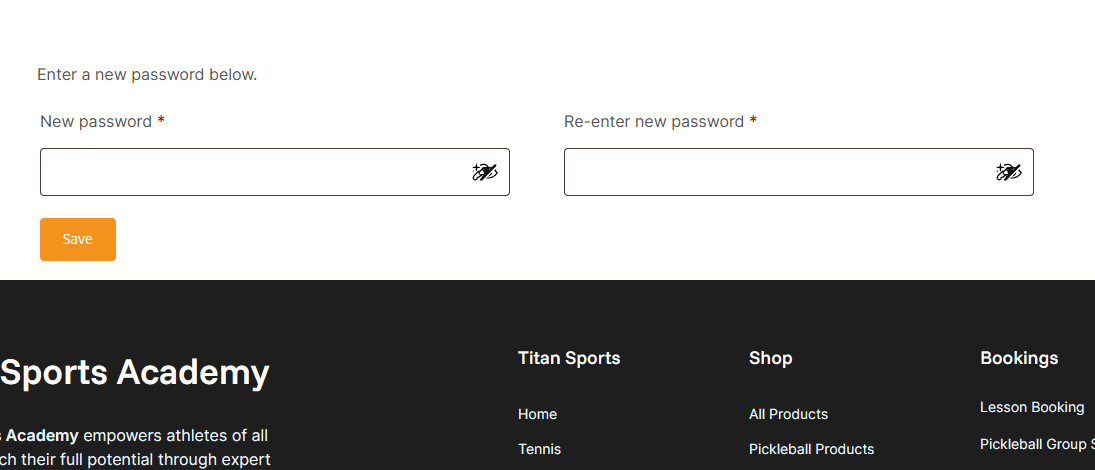
- You will receive an email within 10 minutes to create a password – please check your junk folder
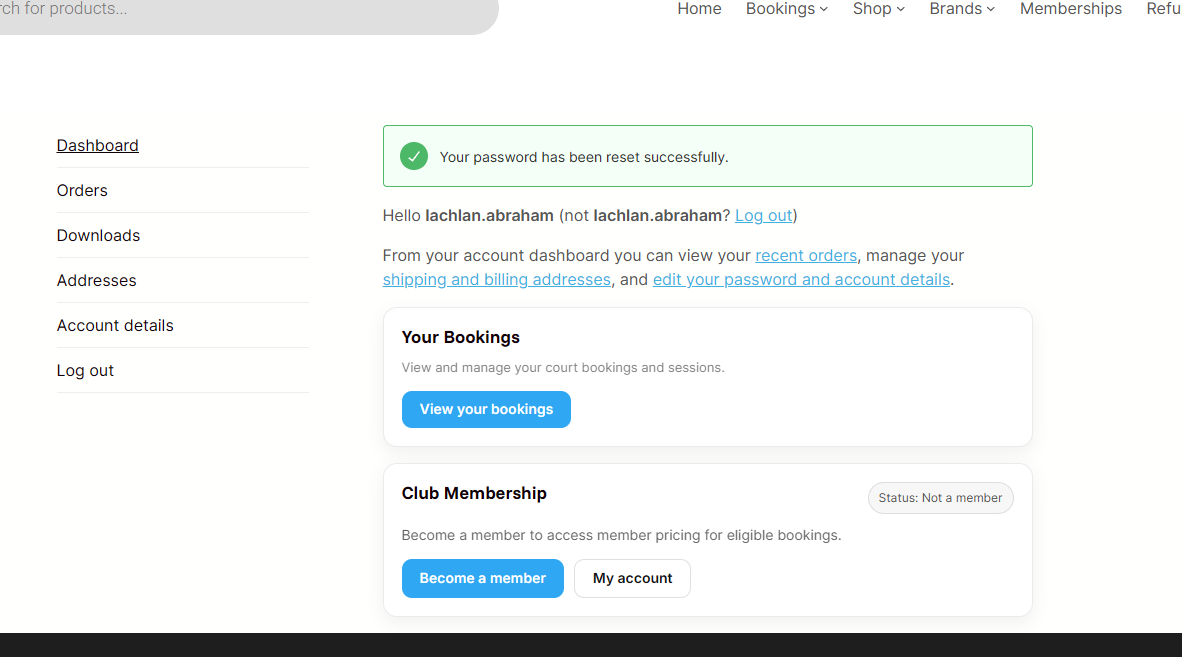
- You will then follow the link to set up your password.
- Make sure you go to “Account details” in your account and set your First and Last Name to make bookings quicker.
I don't want my name displayed on the Pickelball session event
- Please visit: https://titansportsacademy.com.au/my-account/
- Scroll down to the Account Details section
- Option 1: Remove your last name and just include your initial
- Option 2: Change your first and last name to a pseudonym/username
- Please note: adjusting your name will adjust them on your invoices and booking details.
How do I purchase a membership?
To purchase a membership, please call:
- Pickleball Membership: 0426 203 802
- Squash Membership: 0402 390 686